
TrailCore ATS — Applicant Tracking System
TrailCore ATS is applicant tracking and recruitment software for recruitment and staffing teams. Organize candidate databases, search resumes and track applicants through screening, client submissions, interviews, offers and placements in one connected workflow.
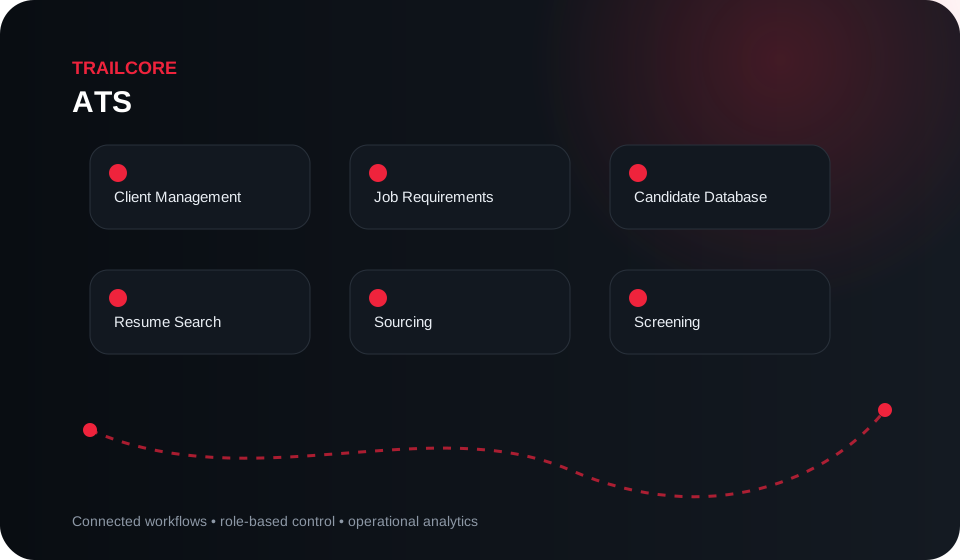
Applicant tracking and recruitment management features
The final module scope is configured around the organization’s operating model, controls and implementation priorities.
Designed for operational control, not feature accumulation.
Workflow shown is representative. Configuration depends on the approved implementation scope.
Track candidates from sourcing to placement.
Connect client requirements, candidate information and recruitment activities in a shared workflow for your staffing team.
Candidate database and resume search
Organize candidate information and search resumes to support sourcing and screening for job requirements.
Client and job requirements
Connect client records with job requirements. Track candidates against each requirement and manage client submissions.
Interviews, offers and placements
Follow applicants through screening, submissions, interviews, offers and placements so recruiters can review progress at each stage.
Recruiter dashboards and reports
Review recruitment activity through recruiter and business development dashboards, with reports supporting visibility across the hiring workflow.
From process discovery to controlled rollout.
A strong enterprise implementation starts with workflows and data ownership before configuration and go-live.
Discover
Map current processes, roles, controls, pain points and data sources.
Configure
Configure modules, workflows, permissions, integrations and reports.
Validate
Run controlled UAT against realistic operational scenarios and exceptions.
Roll out
Train users, migrate approved data and transition with defined support.
Designed for controlled adoption.
Deployment design is confirmed during discovery and depends on user roles, integrations, data ownership, security requirements and operating priorities.
Access & roles
Configure responsibilities and access around approved business roles and workflows.
Integration
Connect relevant systems and data sources through the appropriate approved integration method.
Auditability
Keep important operational actions and ownership visible within the configured business process.
Common questions
See how the workflow fits your operation.
Share your current process, user roles and priority challenges. We’ll focus the discussion on the relevant modules and implementation path.